
Release Notes · 2026-06
A better day at the office - Every Day
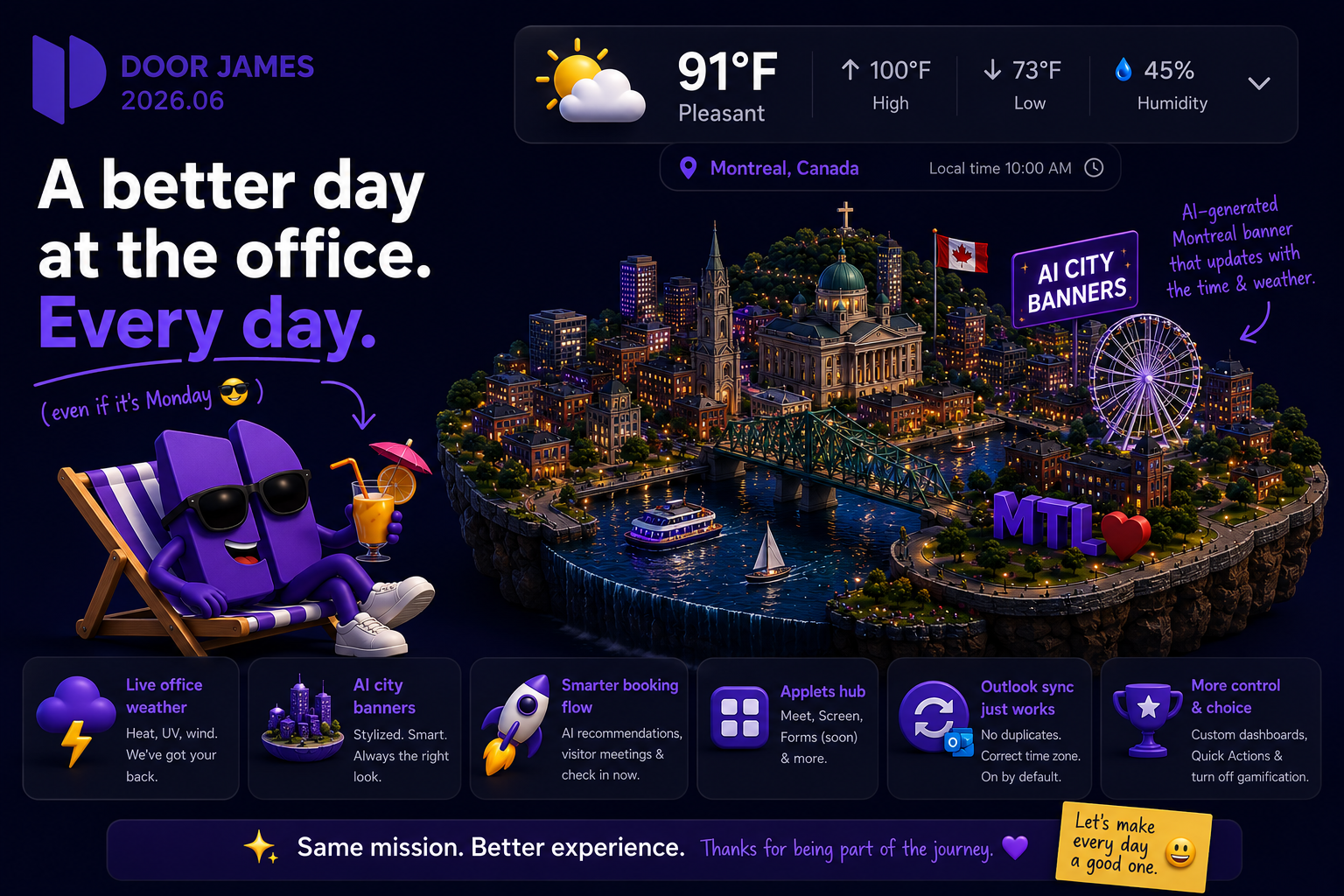
Live weather for every office, AI-generated city banners, a redesigned booking experience, and more reliable Outlook sync.
Live weather for every office, AI-generated city banners, a redesigned booking experience, and more reliable Outlook sync.
New features
- Live office weather – Offices now show current conditions (temperature, daily high/low, humidity and more) right above the office banner, with an expandable details panel. Health-oriented safety warnings for heat, UV and strong wind give you plain-language guidance when it matters.
- AI City Miniature office banners – Admins can swap an office's banner for a stylized, AI-generated "floating diorama" of the office's city. The right look is shown automatically based on the office's local time of day and weather. A new editor lets you browse AI proposals, preview variants and switch between a custom image and the AI banner.
- What's New on startup – The app now greets you with the release notes for any versions you haven't seen yet, localized in all supported languages.
- Applets hub – A new home for built-in tools. DoorJames Meet now lives here, alongside DoorJames Screen and DoorJames Forms (coming soon).
- Customizable dashboard & Quick Actions – Reorder and show or hide your dashboard shortcut buttons, and reach common actions faster with a new floating Quick Actions button on the dashboard and agenda.
- Check in now – Check in to a booking immediately, straight from the booking flow.
- AI booking recommendations in the booking flow – One-tap suggestion pills pre-fill the office, type, asset and time when you create a new booking.
- Visitor meetings in the booking flow – Inviting visitors is now a simple toggle inside the normal booking flow, with a visitor list, title and description.
- Recurring broadcasts – Admins can schedule announcements that repeat automatically.
- Turn off gamification – Organizations can now disable gamification features org-wide.
Improvements
- Redesigned booking experience – A clearer booking summary with an Advanced Settings sheet, a prominent office banner that doubles as the office picker, and a meeting title that appears and pre-fills as soon as you pick a room.
- Your seat stays selected when you change the time – Adjusting the time range no longer clears your chosen desk or room; we re-check availability and only flag it if it is no longer free.
- Faster, smoother office maps – Map backgrounds now stream in as tiles with a Google-Maps-style loading skeleton, large floor plans load faster, and you can pan and zoom smoothly.
- More reliable Outlook / Microsoft 365 sync – Editing a booking now updates the existing Outlook meeting in place instead of creating a duplicate, scheduled meetings carry the correct time zone, and Outlook sync is on by default.
- Redesigned Settings & profile menu – Settings are reorganized into clear hubs (Personal, Booking, Meet, App, Accessibility, Data Privacy), and Switch Org and Logout moved into the header menu.
- Native time picker on mobile for quicker, more accurate time selection.
- Accessibility upgrades across login, agenda filters, dialogs, lists and widgets, including better screen-reader, keyboard and high-contrast support.
- Performance – Faster booking queries and lighter office-banner serving behind the scenes.
Fixes
- Cancelling your own booking now correctly removes the event from the owner's calendar.
- Corrected the end time shown in calendar attachments on booking confirmation emails.
- The saving and deleting spinner no longer blocks confirmation dialogs (admin).
- Data retention settings now save correctly (admin).
- Changing the language now works on the login screen.
- Fixed unexpected floor-plan duplication and various text and translation issues.
See the new features live
Release notes tell you what changed. Thirty minutes tells you whether it changes anything for you.